
Ready to learn How To Use Voice Chat in Roblox? This guide walks you through enabling spatial voice on PC, mobile and Xbox. Say goodbye to frantic typing in chats. Spatial voice lets you talk naturally, louder when your avatar’s close, softer when far. It’s for 13+ verified users in supported games, with AI moderation keeping things safe. Get started with these steps to chat in experiences like Adopt Me or Arsenal.
What Is Roblox Voice Chat?
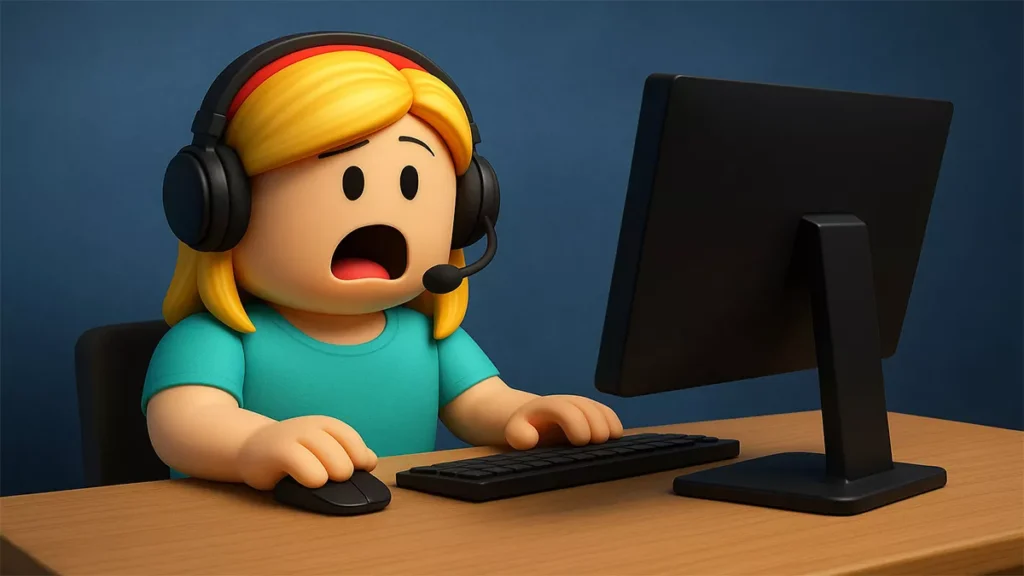
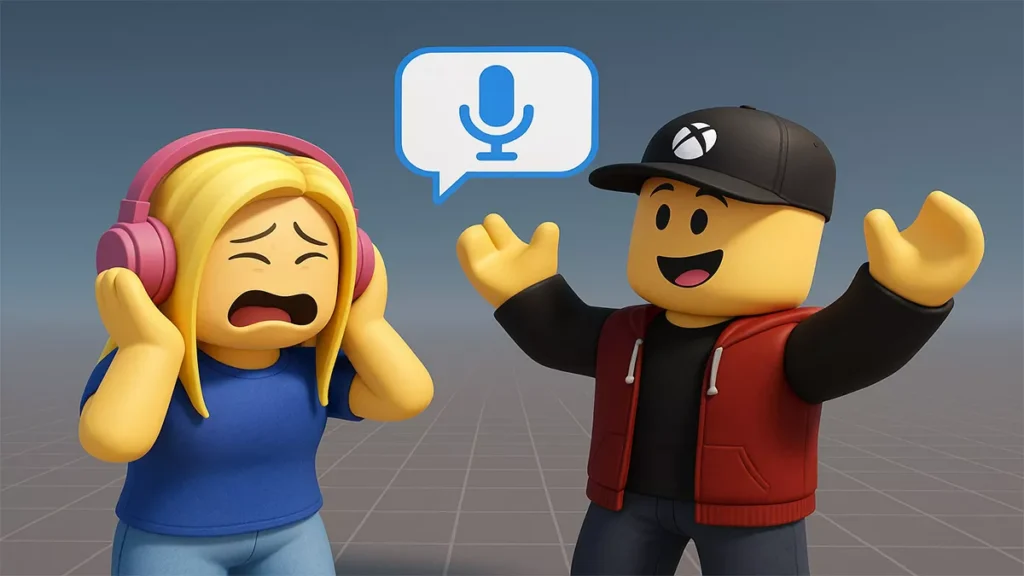
Roblox spatial voice brings chats to life. Your voice carries based on your avatar’s distance. Nearby teammates sound clear, while far-off players fade, mimicking real-world talk. It’s perfect for strategizing in team games or joking in role-plays.
Introduced in 2021 for 13+ verified users, it got a 2025 upgrade with Voice Moderation 2.0. This AI scans speech for toxicity across languages, reducing false bans. Only “Voice Enabled” games support it, so check the game’s description. Roblox aims for immersive, safe chats for its 85 million daily users.
Requirements to Use Voice Chat Roblox
Before you get into How To Use Voice Chat in Roblox, make sure you meet the requirements. First of all, you must be 13+ and have verified account.
- Go to Settings > Account Info > Verify My Age. Fill in your phone number, government ID (or AI video Selfie).
You’ll need a working microphone and stable internet, as voice chat demands extra bandwidth. Weak Wi-Fi causes dropouts. Grant mic permission: Windows users visit Privacy & Security > Microphone. Mac users visit System Settings > Privacy & Security > Microphone. Browsers need Roblox mic access.
Voice chat is live in most regions, but rollout varies. Update your account’s language and region in Account Info to match your location. Parents can disable it for under-13s in Privacy. Use a quiet space to avoid background noise.
How To Enable Voice Chat on PC

Want to know How To Use Voice Chat in Roblox on PC? If you are verified, then it’s simple. Click on the Gear icon > Settings in Roblox.
In the Privacy tab, under Communication, toggle Enable Microphone ON. It turns blue. Accept the voice data moderation consent. Your speech may be reviewed for safety. Restart Roblox to save changes.
Join a Voice Enabled game like Brookhaven. A microphone icon shows above your avatar. Click to mute/unmute or adjust volume in the in-game menu. No toggle? Verify your age in Account Info or check region eligibility. Update Roblox via the website or Microsoft Store. Keep avatars close for clear spatial voice.
How To Enable Voice Chat on Mobile (iOS & Android)
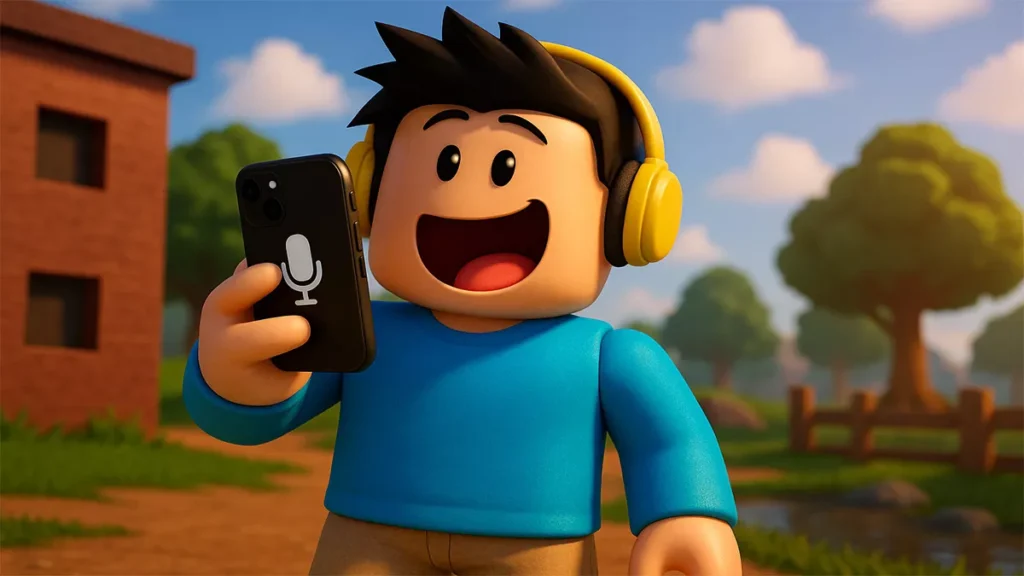
To enable voice chat Roblox on mobile, follow these steps. Go to the Roblox app and tap on More. Go to Settings > Privacy.
Find Voice Chat and Enable Voice Chat, turn it ON. Allow microphone access when prompted. If your microphone is not allowed, do this:
- iOS: Settings > Roblox > Microphone > ON.
- Android, Settings > Apps > Roblox > Permissions > Microphone > Allow.
Join a Voice Enabled game. A mic bubble appears near your avatar. Tap to mute/unmute or tweak in the chat menu. Turn off low power mode or silent settings. Restart the app if the toggle’s missing after age verification.
How To Use Voice Chat on Xbox

Xbox Voice Chat launcher in late 2025. You need to have verified account here too. Open Roblox and navigate to Xbox’s Settings. Enable Others can communicate with voice, text, or invites in there.
- Find it in Settings > Account > Privacy & Online Safety > Customize > Communication & Multiplayer.
After it’s done, open Roblox again. Find a game that supports Voice Chat and look for the mic icon. Turn it on. Xbox Party Chat interferes with Roblox spatial voice, so disable it in the Xbox guide.
No mic icon? Verify your age or update Roblox via the Microsoft Store. Test in games like Arsenal for lively chats.
Testing Voice Chat in Roblox Studio
Devs, test voice chat settings Roblox in your game. In Roblox Studio, go to Game Settings > Security > Beta Features and turn on VoiceChatService.
Use Team Test mode for multiplayer voice simulation. Add AudioDeviceInput and AudioEmitter to script spatial audio, testing volume changes with distance. Your Studio account needs verified voice access.
Script VoiceChatService:PromptMicrophone for mic access. Playtest with friends to check mic bubbles. Voice Moderation 2.0 flags issues instantly. Publish and track feedback on the DevForum here.
Troubleshooting Voice Chat Not Working
Still not working? No toggle in Privacy means your account isn’t verified as 13+. Go to Account Info for ID, phone, or selfie verification. Region not supported? Update language/region settings.
Mic not working? Check permissions: Windows, Privacy > Microphone > Allow Roblox. Try an external mic. Red mic icon means muted. Click to unmute in-game. No voice bubble? The game isn’t Voice Enabled. Search compatible titles.
Banned? Check moderation notices and appeal via support. For lag, use wired internet or reset your router. Xbox users, disable Party Chat. Clear Roblox cache or reinstall. Contact support with error codes.
Safety & Moderation Tips
Voice chat settings Roblox rely on Voice Moderation 2.0, an AI scanning speech for toxicity across languages, reporting 24,000+ incidents to NCMEC in 2025. Don’t share personal info, as all chats are reviewable.
Mute toxic players via the mic icon or player list. Report abuse in the menu. Parents, block voice for under-13s in Privacy or limit to approved friends. Devs, toggle voice in Game Settings > Communication.
Keep chats friendly to avoid bans. Reporting helps Roblox’s AI catch creeps fast.
Quick Setup Checklist
Get voice chat running smoothly:
- Verify 13+ status in Account Info with phone, ID, or selfie
- Enable mic permissions in OS, browser, or app settings
- Toggle Voice Chat ON in Privacy. Accept consent
- Join Voice Enabled games. Check for mic bubble
- Test in a quiet room. Use headphones to avoid echo
Find more Roblox Tutorials in our How-To Tutorials hub
Common Questions (FAQ)
Can I use voice chat without ID?
- Yes, if Roblox’s AI selfie verification confirms you’re 13+. Phone or ID ensures full access.
Why can’t I talk in some games?
- Only Voice Enabled games allow it. Check the game’s description or settings.
Is voice chat on all platforms?
- PC, mobile, Xbox, PlayStation, except restricted regions.
What’s Next for Voice Chat
When you know How To Use Voice Chat in Roblox, you can finally talk to your friends in-game. Make sure you verify your account, follow community rules and play! Voice Moderation 2.0 keeps it safer, but stay smart about what you say. If Roblox keeps refining this, it could make every game feel like a real hangout. Grab a mic and try how to talk in Roblox today!